
How to fix Missing required Google permissions in SlidesAI
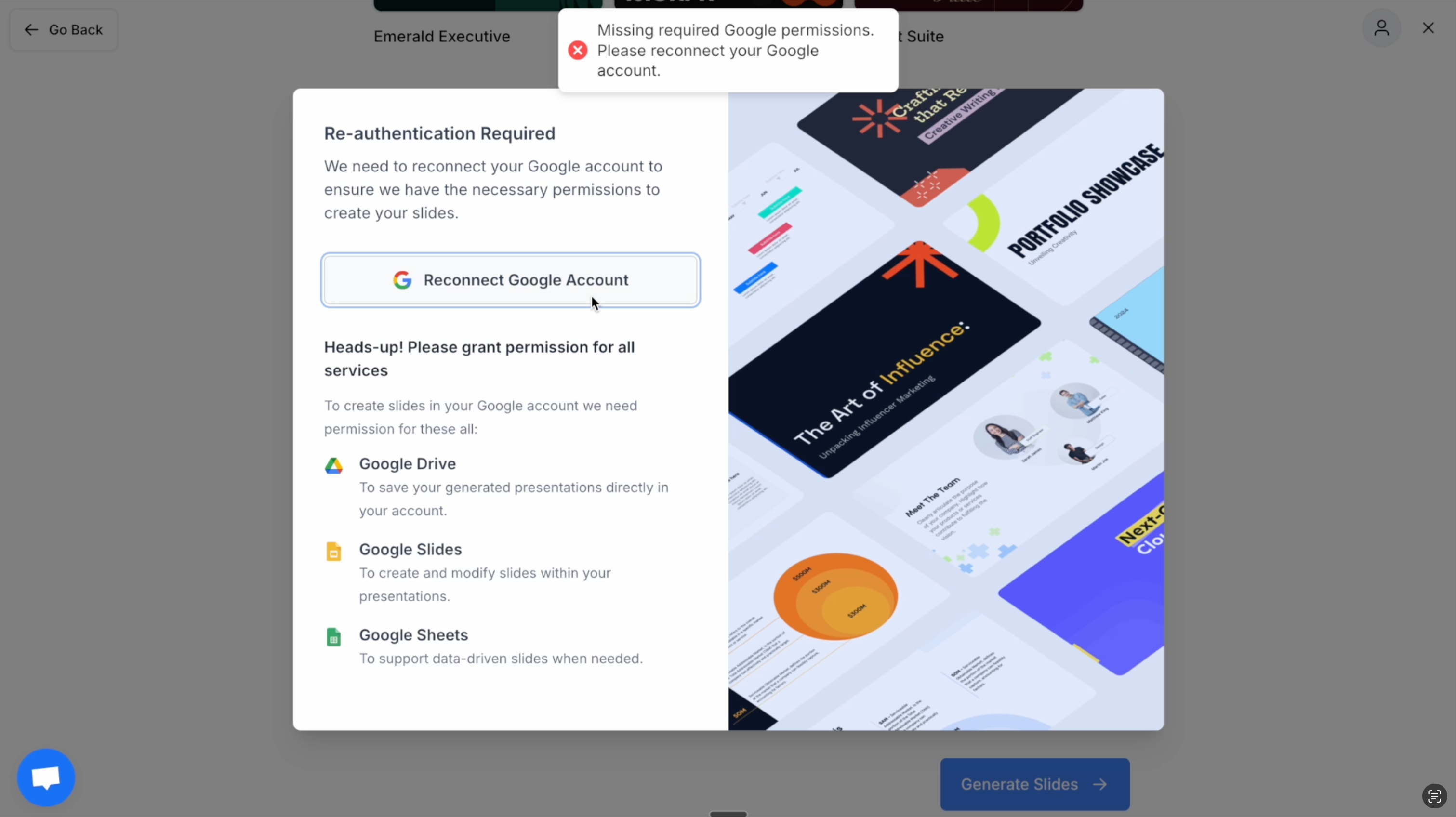
Reconnecting Google Account Here is a video which will walk you through the things you have to do
You need to give all the persmissions, Please select all the checkboxes here:
- Google Drive
- Google Slides
- Google Sheets
Reach out to Support If you’re still facing issues. Please feel free to reach out to us at support@slidesai.io
Updated on: 06/01/2026
Thank you!